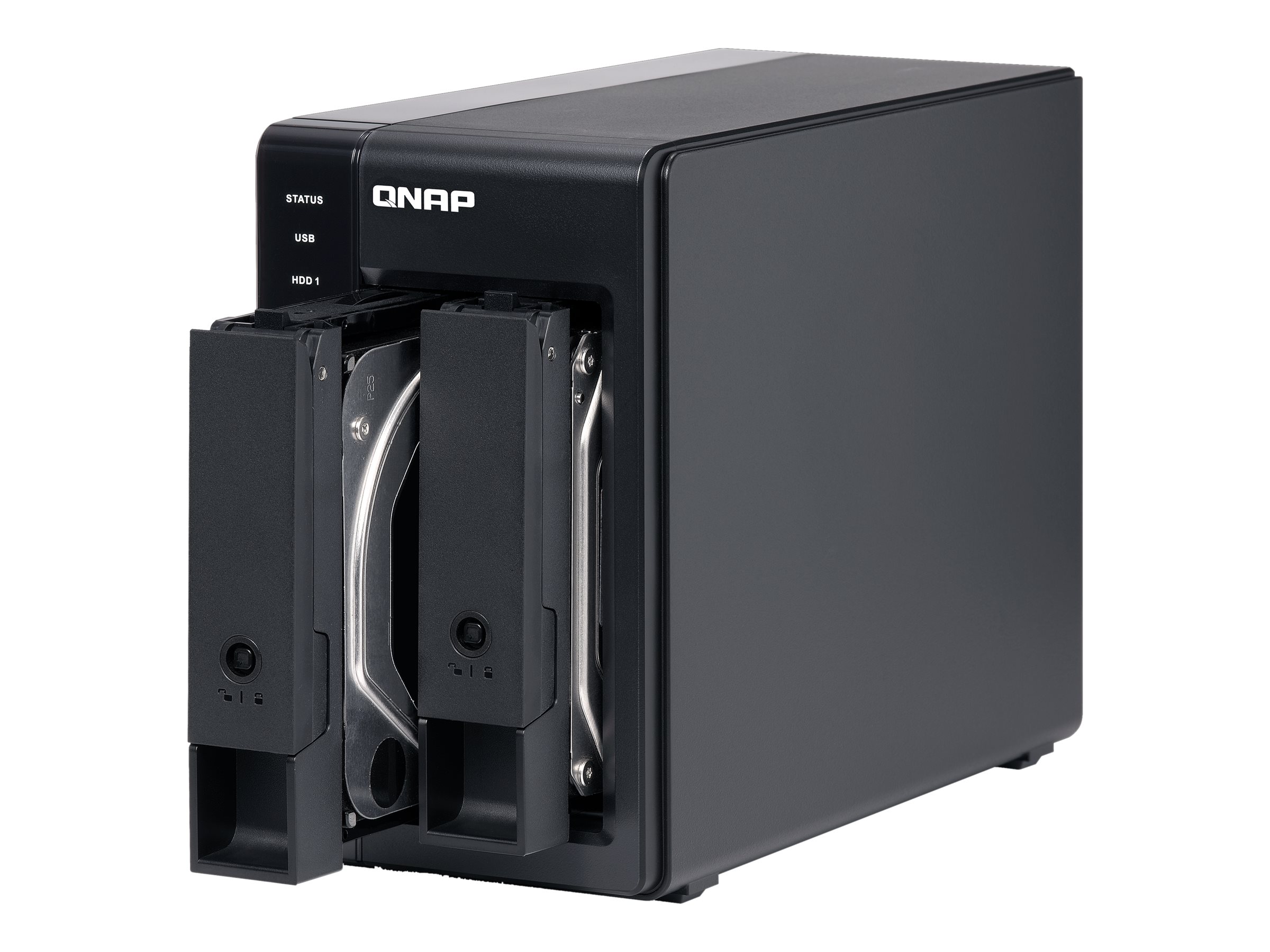
- Enquiry2
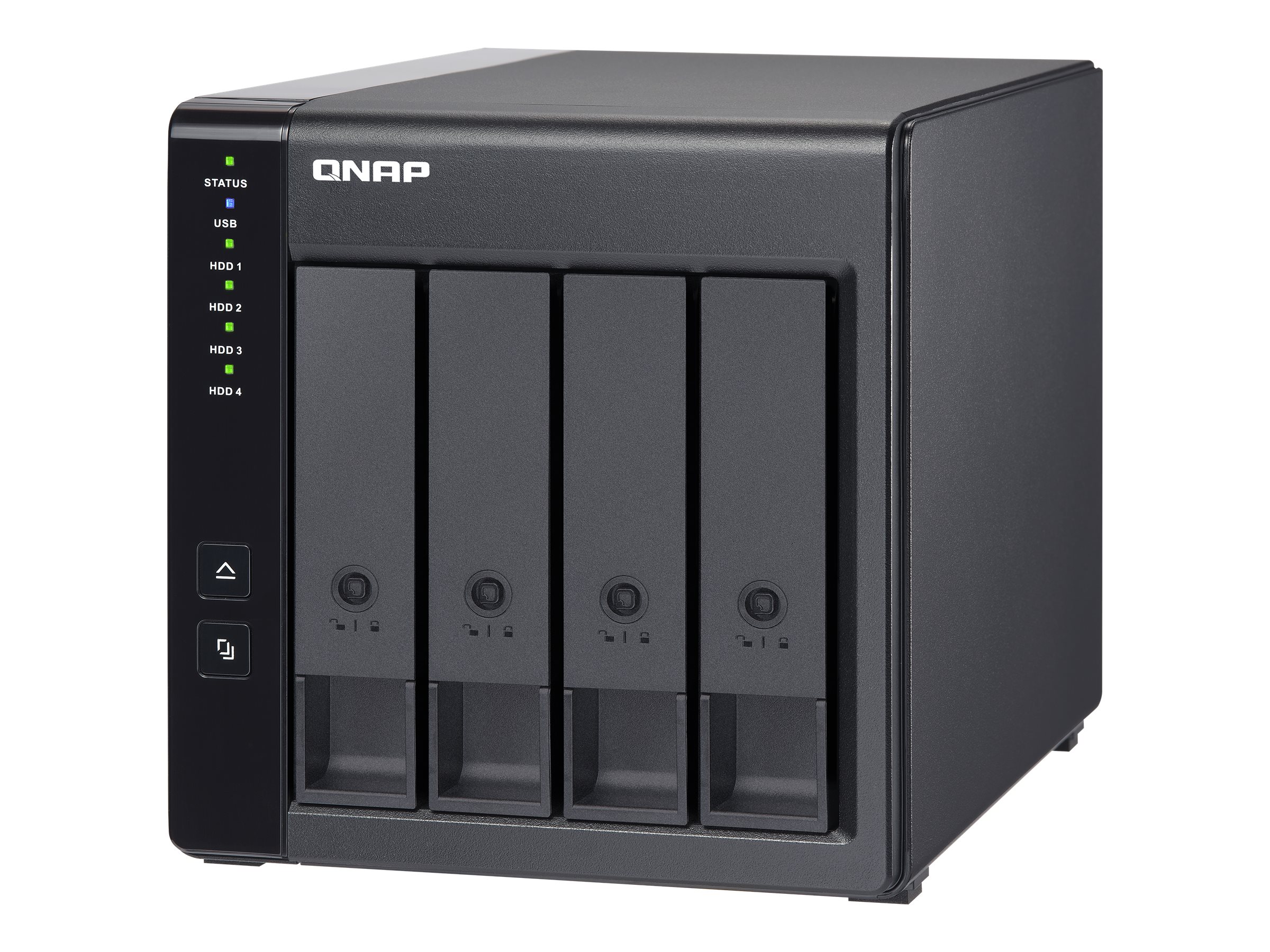
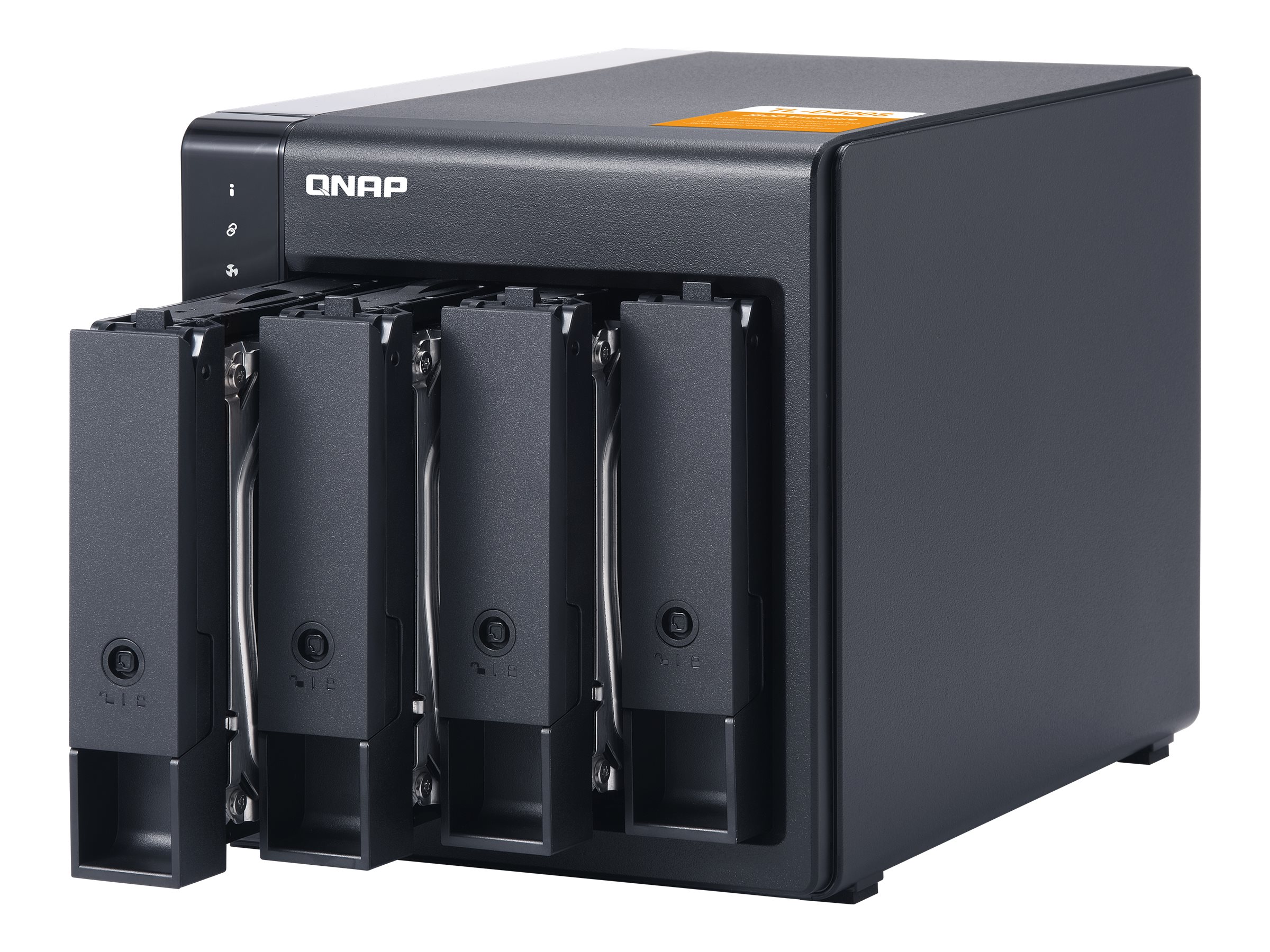
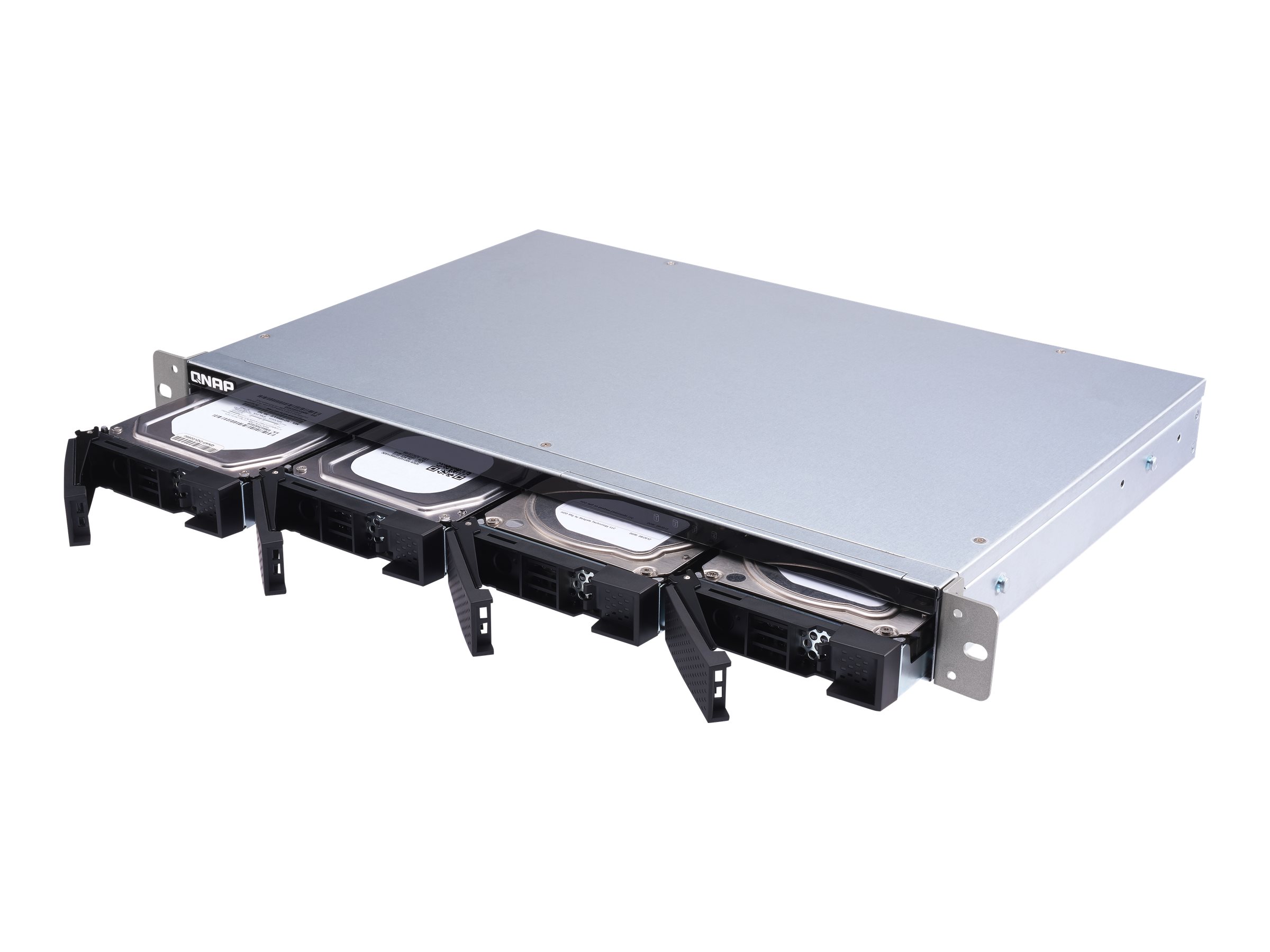
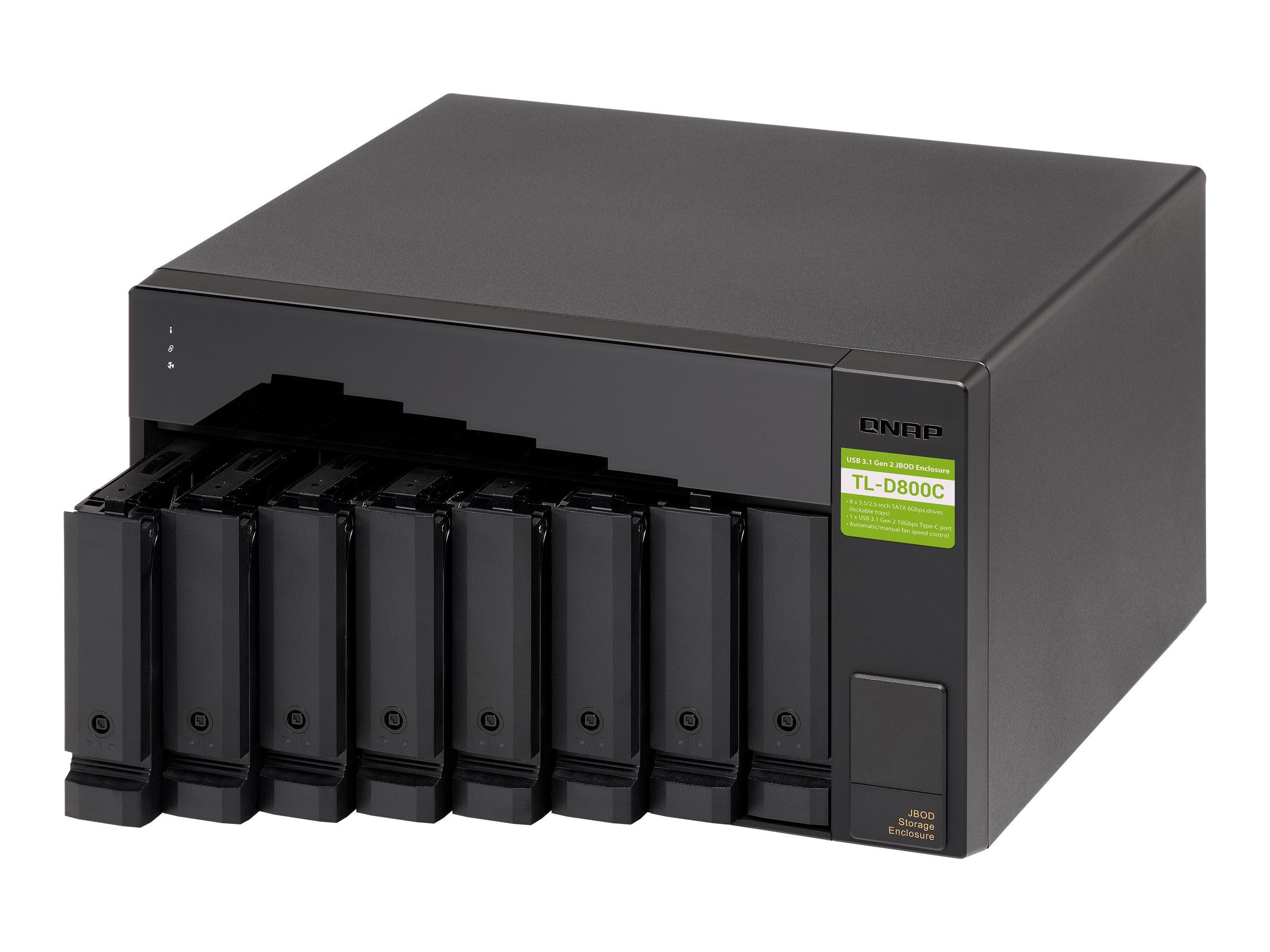
DescriptionThe TL-D800C JBOD storage enclosure allows you to back up and expand your QNAP NAS and computers (supports Windows and Mac). The TL-D800C features eight 3.5-inch SATA 6Gb/s drive bays with USB 3.2 Gen 2 (10 Gbps) Type-C connectivity to provide a fast and smooth expansion solution.Flexible storage configuration and managementQNAP JBOD ManagerWhat you need to knowIntelligently monitor JBOD enclosure status on PC and servers with QNAP JBOD ManagerJBOD migration speeds up remote file transfersExpand your NAS capacityExternal storage for your NASFlexible storage configuration and managementThe TL-D800C provides software-controlled configurations for greater management flexibility. Users can configure RAID and monitor disk health using the QTS/QTS hero Storage & Snapshots Manager on a QNAP NAS, or by using the QNAP JBOD Manager utility on their computer.QNAP JBOD ManagerUse the QTS/QTS hero Storage & Snapshots Manager to configure the TL-D800C as a storage enclosure for your QNAP NAS. The NAS expansion storage mode supports various NAS functions, including storage pools and snapshots. With TL-D800C, you can easily expand storage capacity.What you need to knowYou can connect your TL-D800C to Windows, Mac, and Ubuntu computers through the USB interface and use built-in utility to manage the RAID configuration.Intelligently monitor JBOD enclosure status on PC and servers with QNAP JBOD ManagerThe QNAP JBOD Manager is a desktop utility for monitoring the TL-D800C on Windows and Mac computers. You can quickly obtain and view information about the JBOD status, health, fan rotation speed, and check for firmware version updates. All device events are recorded, and QNAP JBOD Manager will automatically send system alert notifications to your desktop.JBOD migration speeds up remote file transfersMigrating a large number of small files or a single large data file by network environment can be time-consuming and consume significant network bandwidth that causes decreased work efficiency. The TL-D800C supports remote file transfer. All you have to do is set up the RAID configuration and store a large number of files. Then you can move the TL-D800C to another place and connect it with the computer or NAS to experience the device’s simple Plug-and-Play feature and fast data migration.Expand your NAS capacityThe TL-D800C provides an alternative method for users to expand their NAS storage capacity. By connecting the TL-D800C to their NAS and using the Storage & Snapshots Manager in QTS or QTS hero, users can easily configure and manage their storage expansion. The TL-D800C supports a variety of QNAP NAS storage and file management functions, allowing users to build storage pools, finding files with Qsirch, and organizing files with Qfiling.External storage for your NASYou can use the TL-D800C to expand your NAS storage. You can select disks to create storage pools for expanding your NAS capacity, or you can treat each disk as an individual external storage space and use it as a removable drive for greater flexibility.Main SpecificationsProduct DescriptionQNAP TL-D800C – hard drive arrayDevice TypeHard drive arrayInterfaceUSB 3.2 Gen 2Installed Devices / Modules Qty0 (installed) / 8 (max)Supported DrivesSATA-600Storage ControllerSATA (SATA 6Gb/s) – RAID JBODHard DriveNo HDDPowerAC 120/230 VDimensions (WxDxH)32.93 cm x 28.14 cm x 18.82 cmWeight6.18 kgExtended SpecificationsGeneralDevice TypeHard drive arrayChassisInstalled Devices / Modules Qty0Supported Devices / Modules Qty8Supported DrivesSATA-600StorageHDD Array External InterfaceUSB 3.2 Gen 2Storage ControllerTypeSATAInterface TypeSATA 6Gb/sRAID LevelJBODHard DriveTypeNo HDDExpansion / ConnectivityExpansion Bays8 (total) / 8 (free) x hot-swap – 2.5″ / 3.5″ sharedInterfaces1 x USB 3.2 Gen 2 – 24 pin USB-CMiscellaneousFeaturesSecurity lock slot (cable lock sold separately), built-in 2 cooling fans, event log, audible alarmCables Included1 x USB-C to USB-A cableIncluded Accessories2 x keys, 32 flat head screws (for 2.5″ HDD), 24 x flat head screws (for 3.5″ HDD), cable clip, power cablePowerPower DeviceInternal power supplyVoltage RequiredAC 120/230 VPower Consumption Operational48.4 wattPower Provided250 wattDimensions & WeightWidth32.93 cmDepth28.14 cmHeight18.82 cmWeight6.18 kgDimensions & Weight (Shipping)Shipping Weight7.54 kgEnvironmental ParametersMin Operating Temperature0 °CMax Operating Temperature40 °CHumidity Range Operating5 – 95% (non-condensing)Sound Emission26.2 dBA